cubic interpolation sophisticated example
Posted: Fri Sep 19, 2014 1:13 pm
- interpolation_example.jpg (133.46 KiB) Viewed 19887 times
- - cubic spline module renders it visible
- wavetable synth renders it audible
- cubic colored dBFS uses it to colorize in 2 different ways
- - The spline module is completely size-independent. No matter the size of the view, the left and top edge represents -1, the right and bottom edge represents +1, the center represents 0
- The spline itself is rendered with a resolution of 512 in order to have enough samples for a detailed waveform. You can change the resolution to any value you like, as long as it is equal to or greater than 4. To change it look into the module "cubic properties"
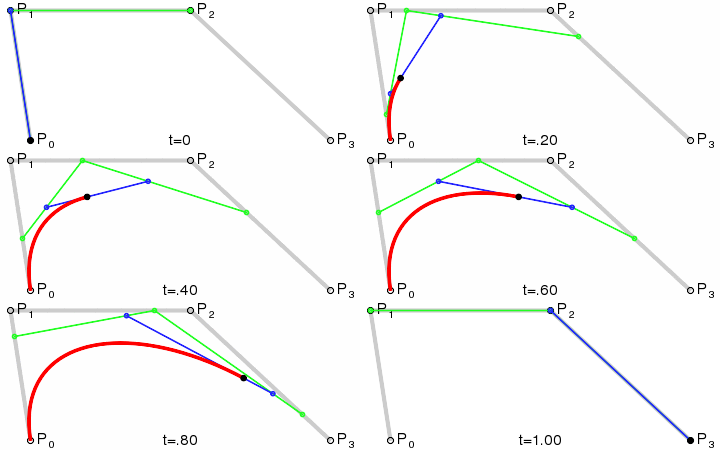
- For this demo, it's only a one-segment spline. Extending it would be done by creating another segment in a way that the end-point of the previous segment is the same as the start point of the current one, and the end point of the current one equal to the start point of the next segment, etc.
- The synth is just a very simple one, it shows the x-values, y-values and the multiplied values as seperate wavetables. When playing a note, all three wavetables are used to build the sound.
- Note that no matter how short or long the spline is, you'll always get resolution amount of values. This behaviour could be changed to get more interesting wavetables, but for this example you have to live with it
- the level meter shows two peak bars. The first one picks the current interpolated color and draws it over its area, while the second one renders a gradient of the interpolated colors up until the current peak point.
- Keep in mind that it's just an example, so no optimizations are done. You could speed it up a lot.
- Thanks to those involved in solving the trigger switch issue: billv, tester and perfect.